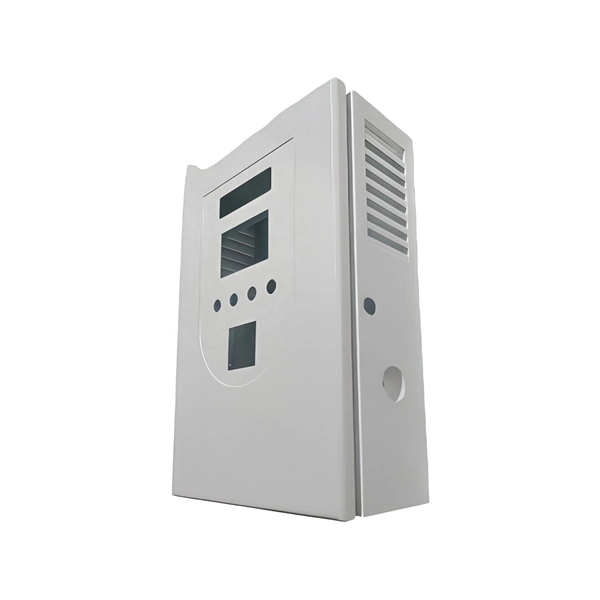
To connect a fiber optic adapter to a low-voltage box, mount the adapter securely, insert the fiber jumper cable, and ensure proper alignment and cable management for optimal performance.Step 1: Prepare the Low-Voltage Box
Ensure the low-voltage box is properly installed in the wall or media panel. In new installations, the box should be mounted at a convenient height and location for the Optical Network Terminal (ONT) or other network equipment. For existing walls, a single-gang or cut-in low-voltage box can be used . Make sure the box is clean and free of debris to prevent damage to the fiber connectors.
Step 2: Mount the Fiber Optic Adapter
Place the fiber optic adapter into the low-voltage box. Most adapters are designed to snap or screw into standard low-voltage cut-in rings or media panels. Ensure the adapter is securely fastened and that the ports are accessible for connecting fiber jumper cables . A tamper-resistant cover can help protect the connection in high-traffic areas.
Step 3: Connect the Fiber Jumper Cable
Select the appropriate fiber jumper cable (single-mode or multi-mode) with compatible connectors (LC, SC, or ST) for your network equipment . Insert one end of the fiber jumper cable into the adapter port, ensuring it clicks into place. Avoid bending the cable sharply; maintain the minimum bend radius to prevent signal loss . The other end of the jumper cable should connect to the ONT or network device.
Step 4: Manage Excess Cable
Use the slack storage within the adapter or low-voltage box to neatly coil any excess fiber cable. Secure the cable with velcro straps or cable organizers to prevent tension, kinks, or loops that could degrade signal quality . Proper cable management also simplifies future maintenance.
Step 5: Test the Connection
After connecting the fiber, verify the signal integrity using a visual fault locator or Optical Time Domain Reflectometer (OTDR) to ensure there are no breaks or misalignments . Confirm that the ONT or network device recognizes the connection and that data transmission is stable.
Additional Tips
- Always wear safety glasses and handle fiber cables carefully to avoid injury from glass shards .
- Match the connector type to the adapter port to prevent damage.
- Avoid exceeding the maximum pulling load when routing fiber into the low-voltage box.
- For powered fiber systems, ensure any low-voltage DC power connections are properly integrated if required . Following these steps ensures a secure, reliable, and high-performance fiber optic connection from the low-voltage box to your network equipment.